
Display Ads – Image Specifications for Responsive Ads and Image Ads
If you aren’t quite sure which type of Display Ads are best for your business, please call your Account Manager, or our Sales department.
Image Requirements for Responsive Display Ads
To run Responsive Display Ads, we will need 4 image files for each ad - 2 Images and 2 Logo Images. The specs are below.
Image Requirements:
- At least 2 images are required - 1 "landscape" and 1 "square" - JPG or PNG format
- Landscape Image. Your landscape image should have a ratio of 1.91:1 and be greater than 600 x 314. We recommend 1200 x 628. The file size limit is 5MB.
- Square Image. If you choose the upload option, keep in mind that your square (1:1) image should be greater than 300 x 300. We recommend 600 x 600. The file size limit is 5MB.
Note: To fit in some ad spaces, your image may be cropped up to 5%. Don't allow text or other important image spaces near the very edge of images.
Note: Text may cover no more than 20% of the image. You can add the logo to the image if it's less than 20% of the image space.
Logo Image Requirements:
- Two Logo Images are also required, again, 1 "landscape" and 1 "square". The square will appear most often and will appear very small, so keep it very simple and readable (even in a 40x40 size). JPG or PNG format. PNG is recommended.
- Landscape Logo Image. Your landscape logo file should have a ratio of 4:1 and be greater than 512 x 128. We recommend 1200 x 300. The file size limit is 5MB.
- Square Logo Image. Your square logo file should be a 1:1 ratio and should be 128 x 128 or greater. We recommend 1200 x 1200.
Design Tip: Please make sure the square logo file is readable at a size of 40 x 40. This usually means only including the icon part of the logo as most text at that size will not be readable.
Note: For all your logos, a transparent background is best, but only if the logo is centered.
Examples of Responsive Ads
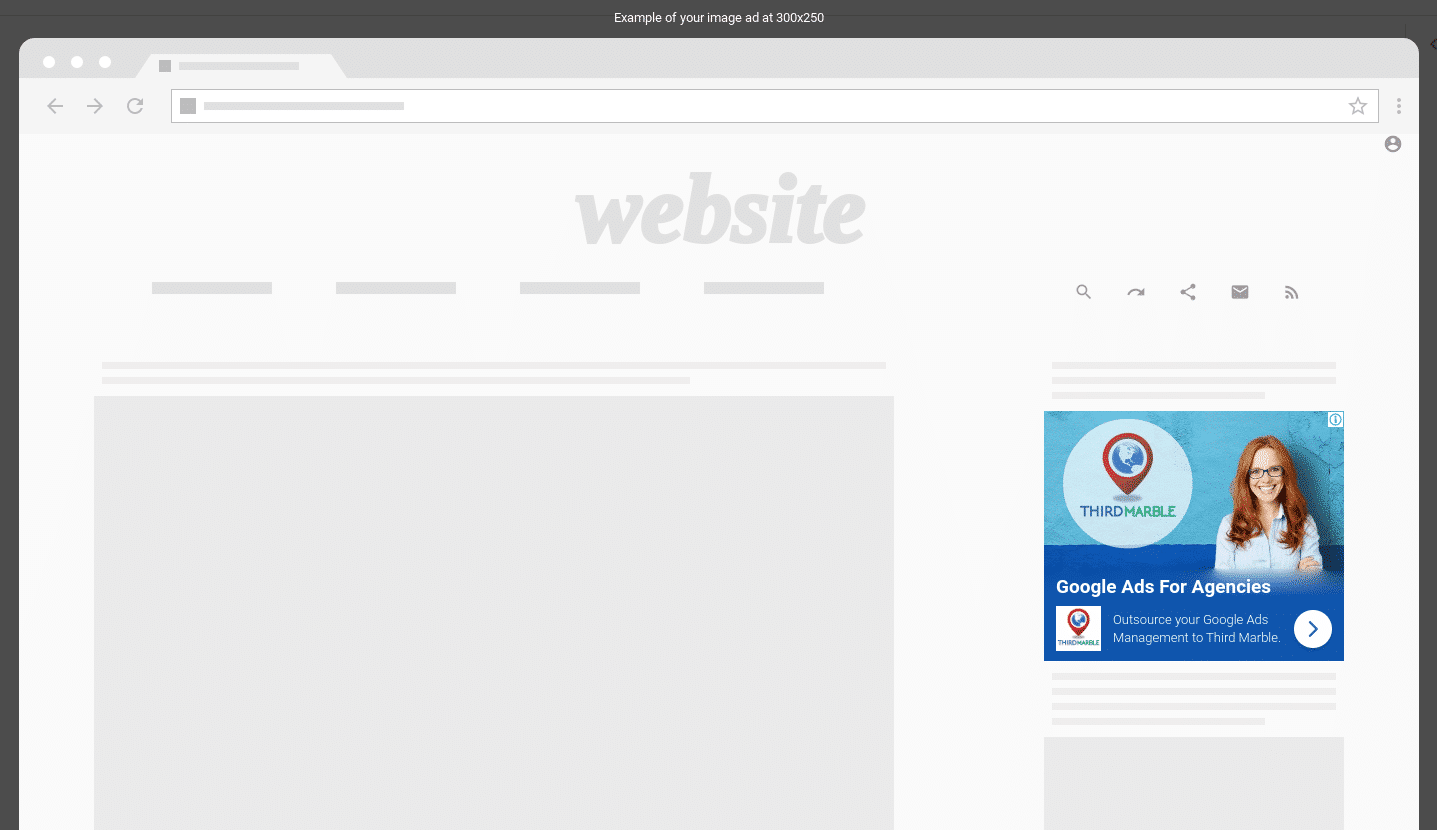
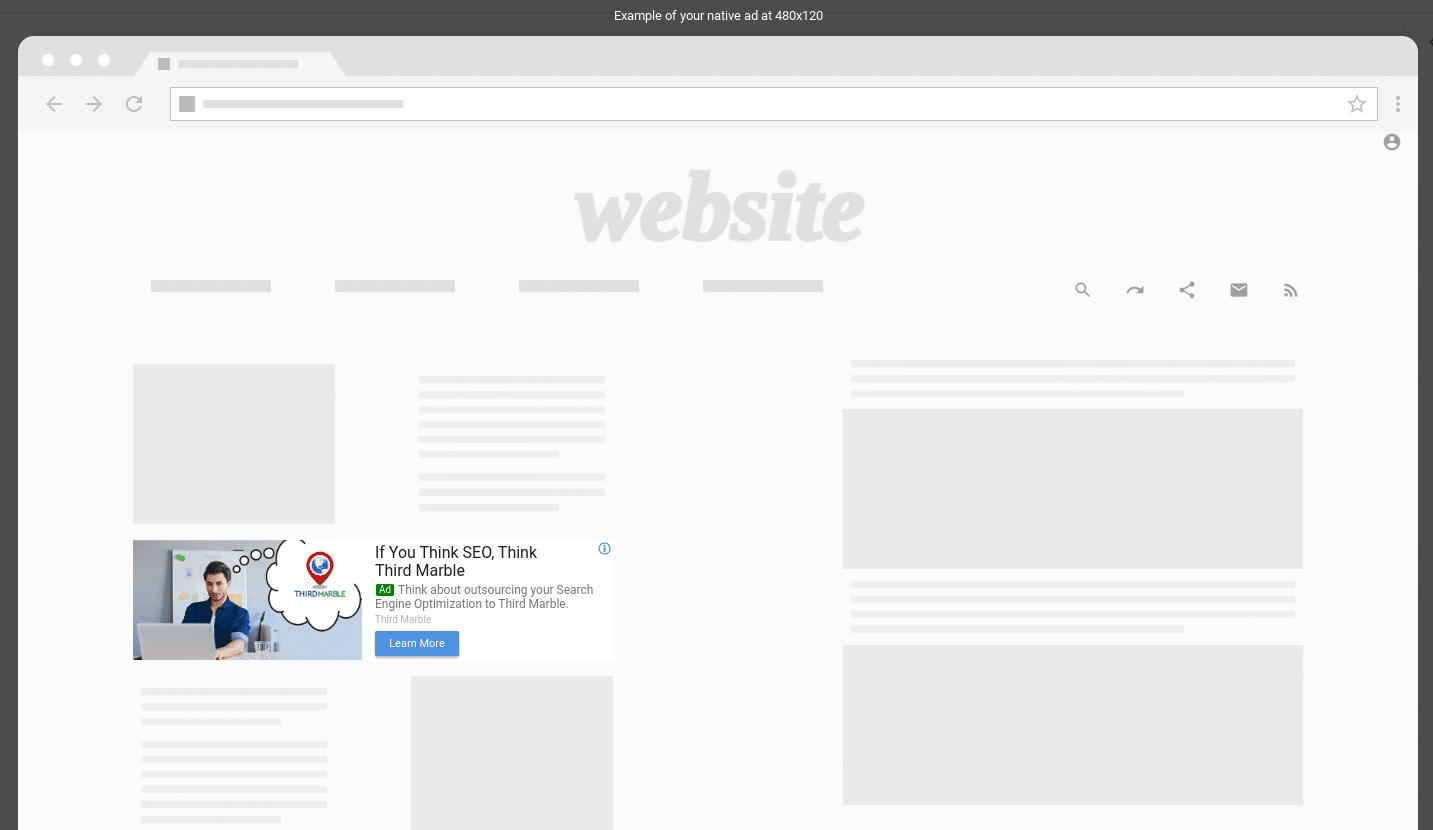
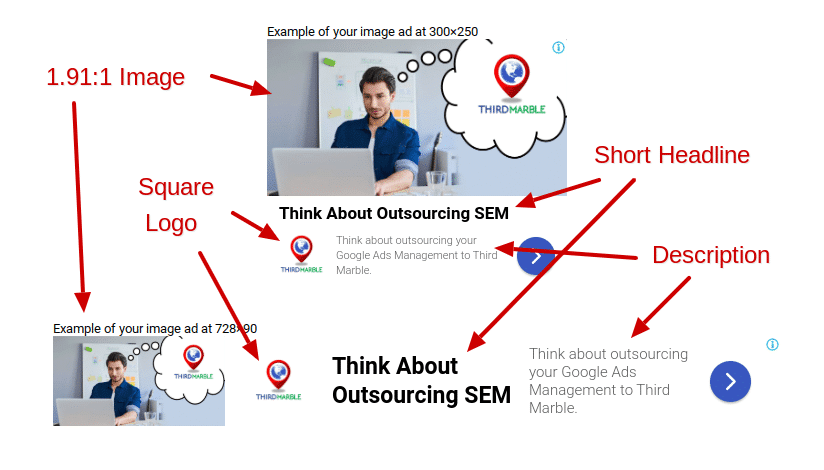
Image Ad Specifications
If you would like to create your own ads, you’ll need to format each ad into multiple sizes. Google Display Ads can show in hundreds of size, but these are the most popular and will probably cover over 50% of the available ad space.
All files sizes must be less than 150 KB.
Most Common Image Ad Sizes for Desktop and Mobile:
300×250, 250×250, 200×200
Most Common Image Ad Sizes for Mobile:
320×50, 320×100
Most Common Image Ad Sizes for Desktop:
336×280, 728×90, 300×600, 160×600, 970×90, 468×60
Image Ads – Most Common Mobile Image Sizes

Image Ads – Most Common Desktop Image Sizes
Please note: Some of the images below may not appear in their actual size on a mobile device, smaller monitor or tablet.



Display Ad Specs FAQs
What image sizes are required for Google Responsive Display Ads (RDAs)?
To set up Responsive Display Ads, Google requires at least one Landscape image (1.91:1 ratio, recommended 1200×628 pixels, minimum 600×314 pixels) and one Square image (1:1 ratio, recommended 1200×1200 pixels, minimum 300×300 pixels). You must also provide a Square Logo (1:1 ratio, recommended 1200×1200 pixels) and an optional Landscape Logo (4:1 ratio, recommended 1200×300 pixels).
What are the most popular file dimensions for uploaded static Google display banners?
While Google supports dozens of sizes, the top-performing static image banner dimensions that cover over 50% of web placements include: 300×250 (Medium Rectangle), 336×280 (Large Rectangle), 728×90 (Leaderboard), 300×600 (Half-Page/Large Skyscraper), 160×600 (Wide Skyscraper), and mobile banners at 320×50 and 320×100.
What is the file size limit for Google Display Network ads?
For uploaded static image banners (JPG, PNG, static/animated GIF), every individual file must be strictly under 150 KB. For Responsive Display Ad image assets, Google allows larger file uploads up to 5 MB per asset.
What are Google’s rules for text overlays on display ad images?
Google recommends that text cover no more than 20% of the total image area. Excessive text can cause your ads to be disapproved or restricted in reach. Additionally, keep all critical text and logos centered, as Google may crop display ad edges up to 5% to fit dynamic placement slots.
What image file formats are accepted for Google Display Ads?
Google accepts JPG, PNG, and GIF formats. PNG is strongly recommended for logos and graphics requiring background transparency. Animated GIFs are permitted for static banner sizes, provided the animation is under 30 seconds, loops end at 30 seconds, and frame rates remain at or below 5 FPS.
Does Third Marble Marketing create display ad graphics for clients?
Third Marble Marketing sets up, manages, targets, and optimizes your display ad campaigns. For Responsive Display Ads and static banners, clients typically provide raw high-resolution images, brand graphics, and logos, which our team configures into high-converting campaign structures.